
A schedule you can keep
- Day 0: send the estimate and tell the client what happens next. "I will check in Thursday."
- Day 2: one short message. Ask a question that is easy to answer.
- Day 5 to 7: one more, with a clear offer. A call, or a visit to walk through the numbers.
- After that, stop. Put a date on the calendar to try once more in a month, and move on.
Two messages that get answers
Keep both to two lines. No "just checking in". Ask something the client can answer in one word.
Answer where the client wrote
If the client texted you, text back. If they wrote in a marketplace chat, answer there. A letter to someone who lives in text messages is one more thing to ignore. And always write down the next try the moment you send this one.
How it works in WorkTime CRM
On the Dashboard, "Recent Estimates" shows what the client did with each estimate: opened, how many times, or "Not opened" with the days since it was sent. It turns amber after two days and red after five, so you know whom to message first.
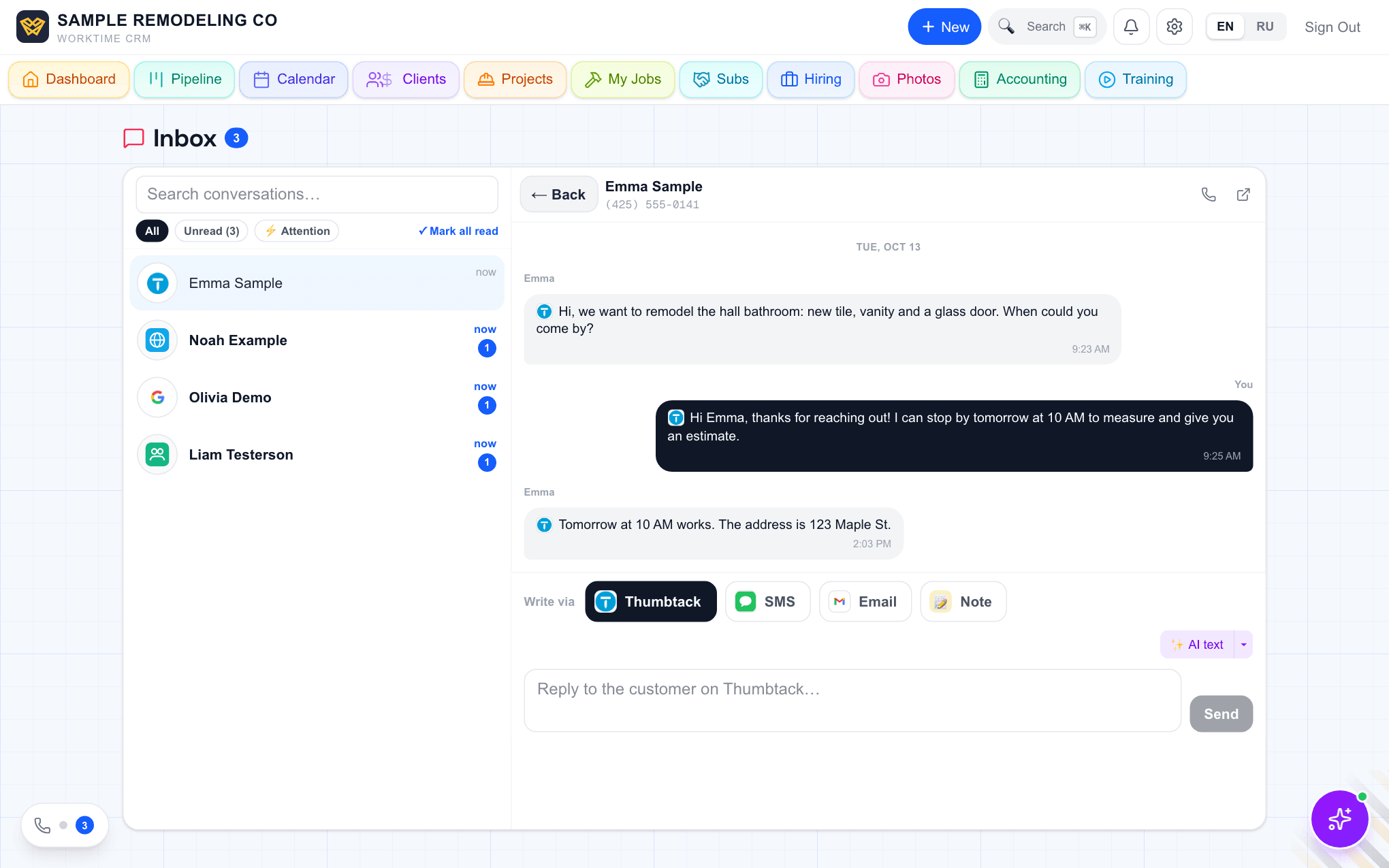
Open the conversation in the Inbox. Under the chat, "Write via" lets you answer by Thumbtack, SMS or Email, and "✨ AI text" writes a draft from this client's history. You edit it and press Send. A small ⚡ in the list marks a client waiting on your move, for example an estimate opened but not signed.
To not forget, use "Remind in 2 days" in the ⋯ menu of an estimate on the Clients page. It lands on the shared Calendar. When you send a text or an email from inside a Follow-up on the calendar, it closes by itself and sets a "Check for a reply" reminder three days ahead.
Comments