
Four habits for a job list
- One list per job, not one for the whole company. "Smith kitchen: pick up tile" is clear. A long mixed list is not.
- Write the task the moment you think of it. In the truck, on the phone, ten seconds.
- Give it a date, and a time if it must happen at a certain hour. A task without a date waits forever.
- Look at one list every morning. What is late stays on it until it is done or moved on purpose.
Tell the office and the foreman too
A to-do only you can see is still your memory. If the office and the foreman see the same list, someone else can pick it up when you are on another roof.
How it works in WorkTime CRM
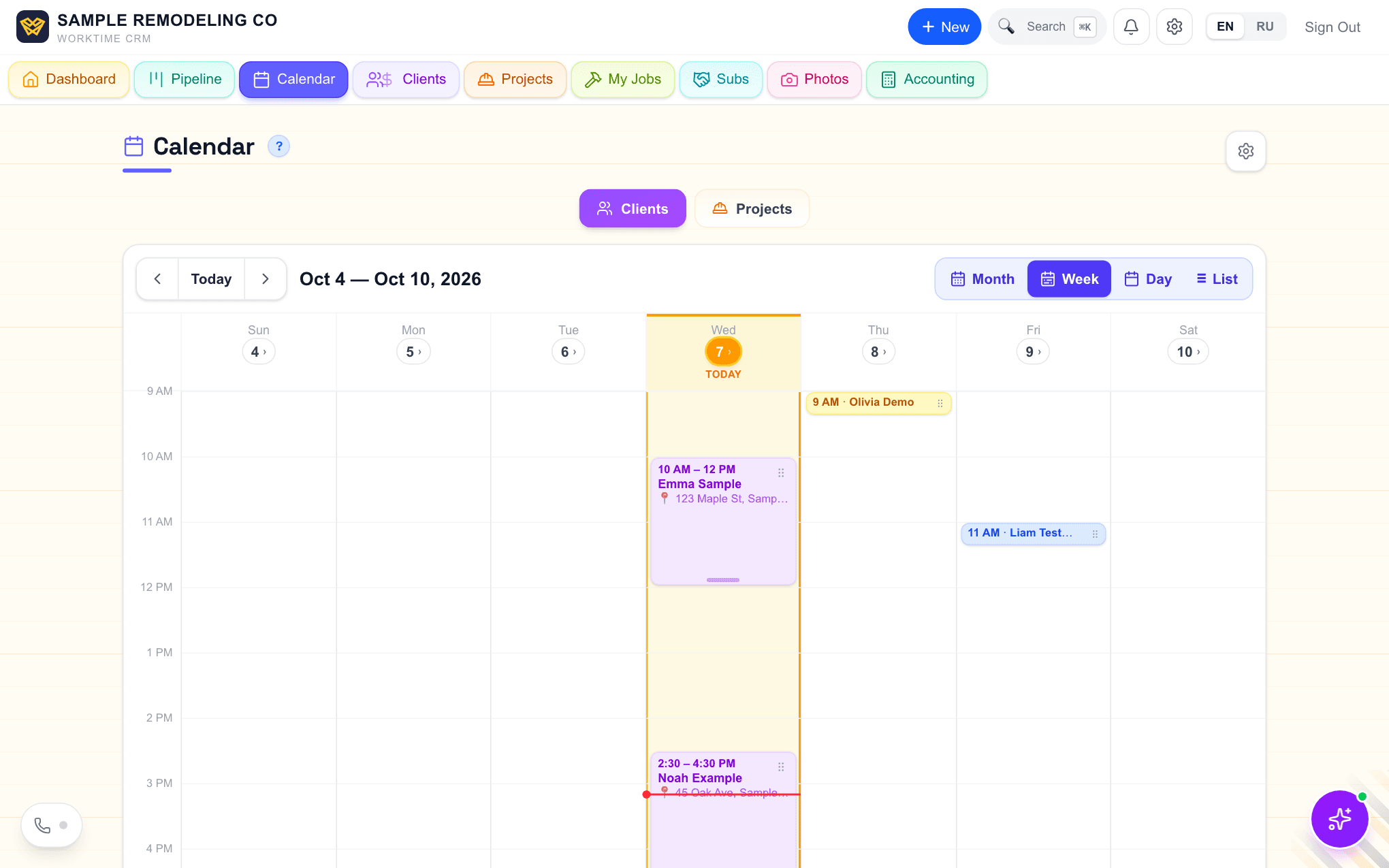
A to-do lives in the project, under Work → Tasks. Give it a date and it also appears on the Calendar with the orange mark of the project. Tick it or move it in either place, and the other one follows. The top of every project page shows the next to-do.
Give it a time and a notification comes at that time to your phone and your personal Telegram. Under it in Telegram are two buttons: Done, and Tomorrow, which moves it a day at the same time.
At 9 AM, or later if your quiet hours end later, you get one message, "To-dos for today", instead of a ping for each. It lists the day's to-dos by job, and the overdue ones under "Overdue". They stay in that list every morning until ticked or moved.
For the team, turn on the Tasks Chat card in Settings → Connections → Telegram. It posts the same morning list, each to-do at its time and every new to-do into a Tasks topic of your team group. Alerts you missed are kept on the notifications page.
To see who is on which job, open the projects calendar.
Comments