
What you want to end up with
- Every new LSA lead becomes a customer record on its own, with the name, the phone and the type of job.
- A notification the moment it arrives.
- Message leads you can answer without opening the LSA app.
- No duplicates when the same person also calls you.
Connecting LSA to WorkTime CRM
It is a sign-in, not a setup project:
- 01Open Settings → Lead Sources → Platforms & ads → the Google card.
- 02Under "Local Services Ads leads — automatically", press Connect Google Ads.
- 03Sign in with the Google account that runs your Local Services Ads.
What happens after that
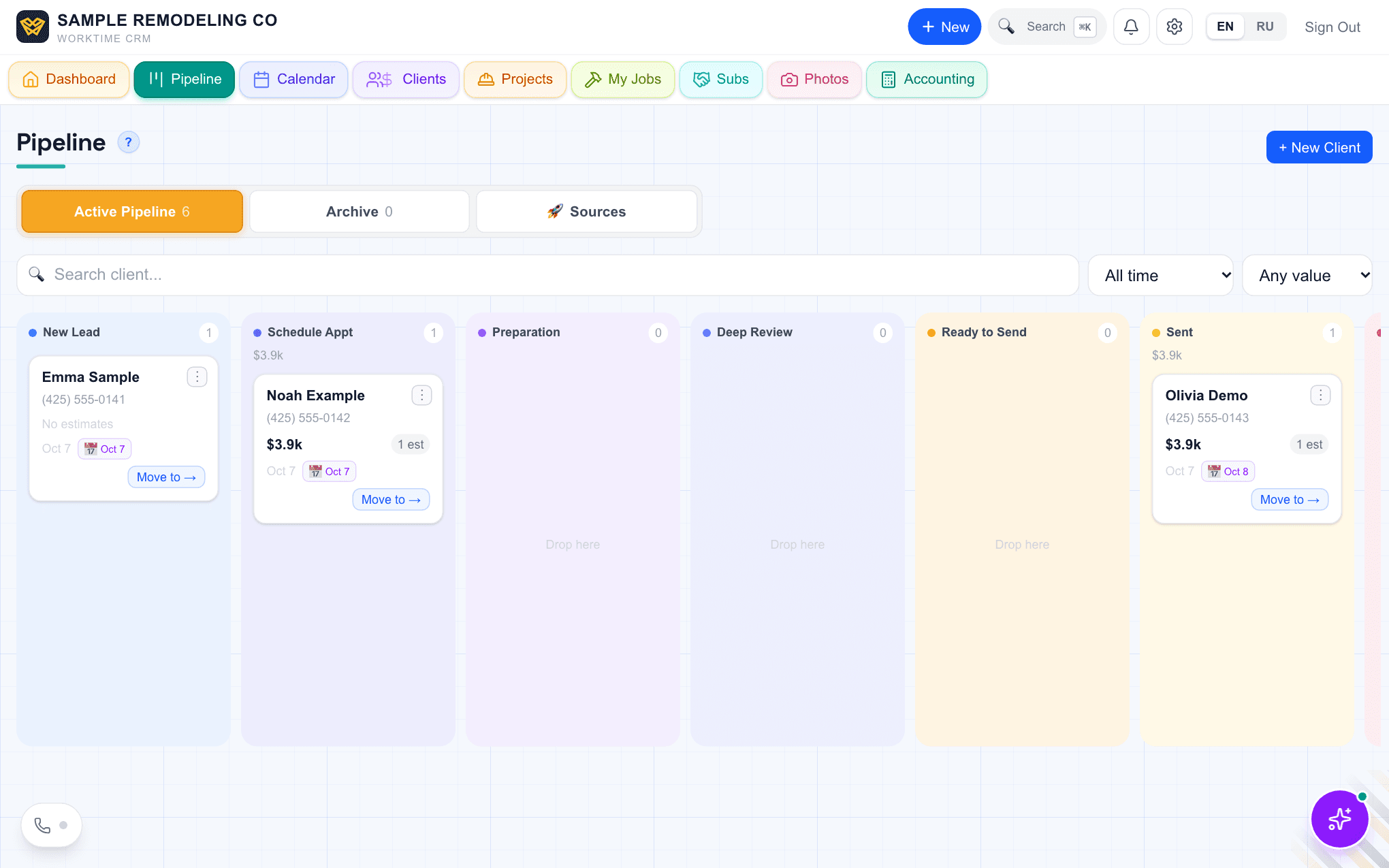
Each new lead — name, phone, email when the customer gave one, and the job type — becomes a client on your pipeline within about ten minutes. "Check for new leads now" pulls them at once. A person who is already in your CRM is not added a second time.
Message leads work both ways: the customer's messages show up on their card with the Google mark, you are notified of each one, and your reply goes back into that lead's Google chat.
If it says there are no ad accounts
You signed in with a Google account that does not manage the Local Services profile. Sign in with the one that does, or add your account as a user in Google Ads and try again.
Phone leads
Many LSA leads are calls. To see which calls came from LSA, use a separate tracking number as the phone on your LSA profile; calls to that number are then counted under that source.