
Why the first day slips
A sales visit has an hour, so it gets a reminder. A job start usually has only a date. It sits in the contract, not in the place you look every morning.
Between the signature and the start there are weeks of other work. The date moves once or twice. In the end everyone remembers a different version of it.
A routine for the first day
- Give the start an hour, not just a day. "Monday 8:00 AM" is a plan. "Monday" is a wish.
- Keep it on the same calendar as your visits, so you do not book an estimate across town for that morning.
- The day before, confirm three things: the client or the key is there, the crew knows the hour, the first materials are on site or ordered.
- If the date moves, tell the client and the crew the same day, and change it in one place.
- Be there yourself for the first hour. Problems on a job are cheapest on day one.
How it works in WorkTime CRM
Open the job in Projects, go to Team → Crew → Team & Schedule and fill in "⏰ Start time" under the start date. The same field is in the window that opens when you tap the job's bar in Calendar → Projects.
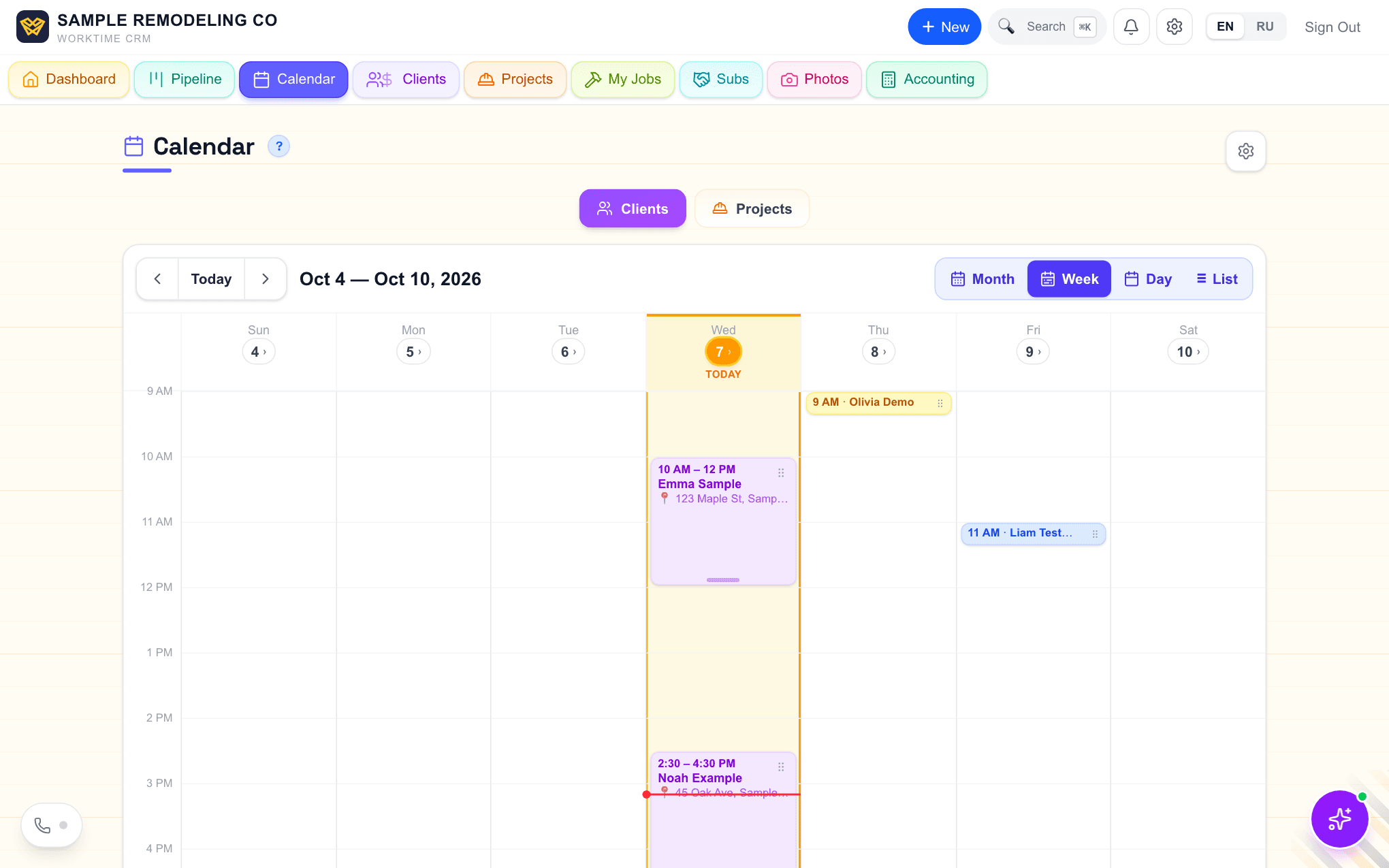
The first day of every active project shows in your Calendar next to the visits, as an orange block with a hard hat. With a time it sits at that hour and reads "8:00 AM · project name". Without one it sits in the first working hour. Press it and the calendar jumps to that job on the projects timeline.
The start is announced like a meeting: in Telegram and as a push on your phone, the day before, and again before the hour when a time is set. Quiet hours and "Skip Sunday reminders" from the calendar settings apply here too.
The date moved? Drag the job's bar on the projects timeline. The orange block follows by itself and the reminders come again for the new day.
Comments